 Shaar
ShaarA Space for each part of your day
Each Space has its own tabs, pinned pages, folders and color. Switching Spaces leaves every tab where you left it.
⌃⌥[]

A Mac browser that keeps work, personal life and side projects in separate Spaces, each with its own tabs, profile and color. It runs on Chromium, so your sites and extensions work.
Shaar (שער) means gateway in Hebrew




arcusis.com
Connection is secure
This is a working copy of Shaar. Click a tab, switch Spaces with the dots, or click the address to open Command-T.
Shaar is in public beta. Expect bugs, and report them on GitHub.
Release notes for 0.1.0Spaces hold your tabs, profiles hold your accounts, and Command-T finds any page.
Each Space has its own tabs, pinned pages, folders and color. Switching Spaces leaves every tab where you left it.
⌃⌥[]
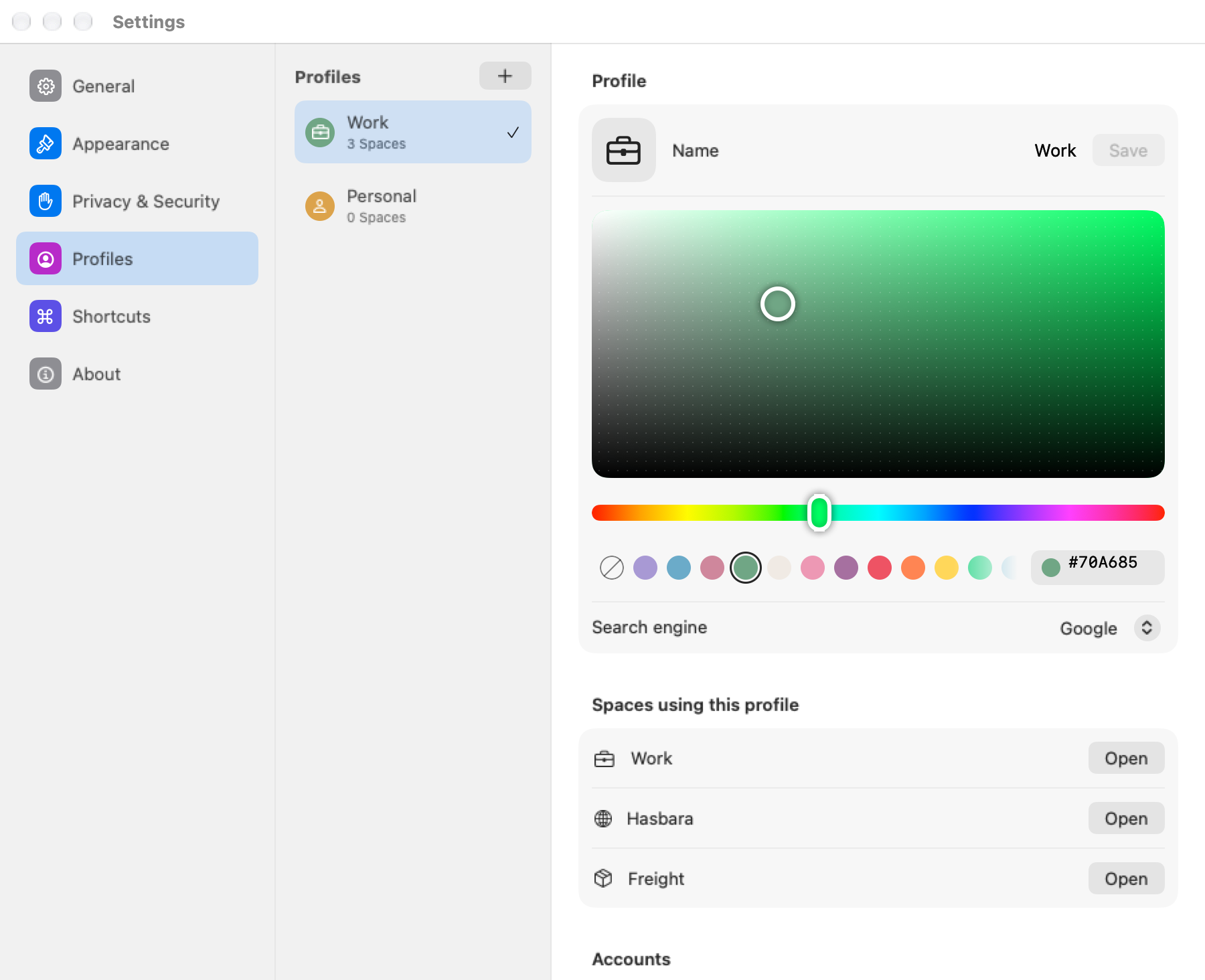
A profile keeps its own cookies, sign-ins, history and extensions. Two Spaces can share one profile when you want the same accounts in both, and Shaar guides you through Google and Microsoft sign-in.
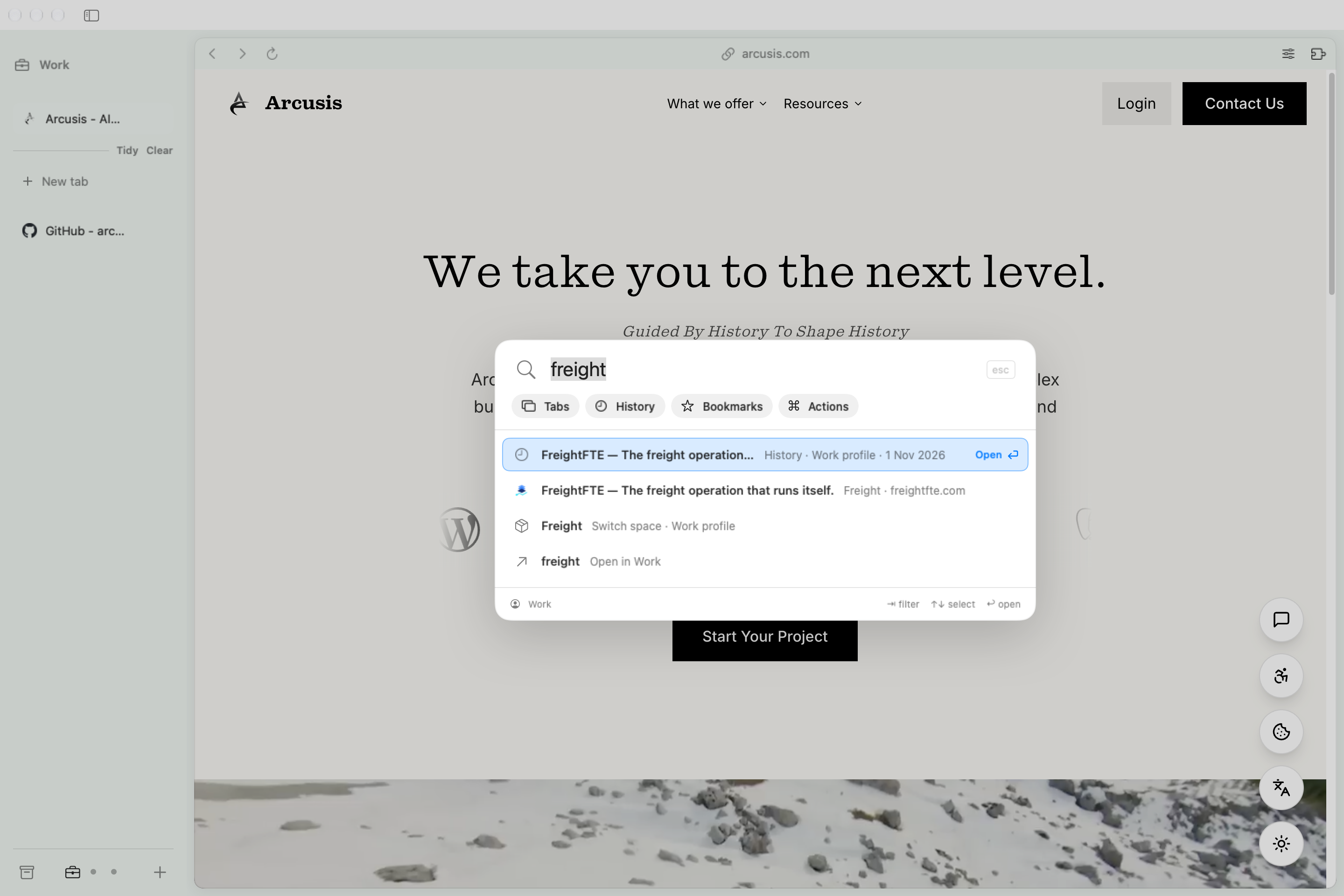
Type to search open tabs, history, bookmarks and browser actions. Arrow keys pick a result and Return opens it.
⌘T
The button next to the address opens camera, microphone, location and notification settings for the site, its certificate, and Reload, Hard Reload or Clear Site Data.

Install any extension from the Chrome Web Store and turn it on or off for each profile.

Shaar is independent. The full source is on GitHub, so you can read it, build the app yourself, or file an issue.